Mini PC and Raspberry Pi AI: A Five-Minute Starter Guide
In short: The right beginner setup for AI on a mini PC or Raspberry Pi is split by job: use a 16GB-or-better mini PC for chat and document tasks, and use a Raspberry Pi 5 with AI HAT+ for camera detection and small automation.
The right beginner setup for AI on a mini PC or Raspberry Pi is split by job: use a 16GB-or-better mini PC for chat and document tasks, and use a Raspberry Pi 5 with AI HAT+ for camera detection and small automation.
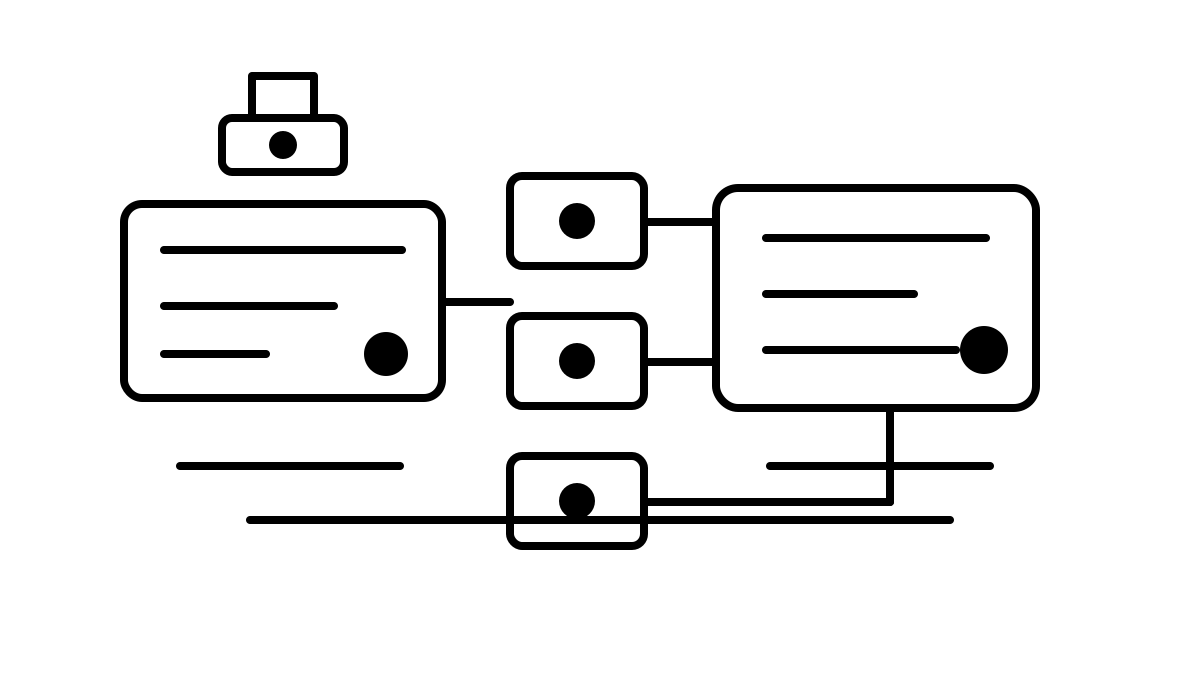
One-line summary: think of the Raspberry Pi as a sensor with eyes, and the mini PC as a small desk-side AI server.
The 2026 local AI hardware trend has two lanes. One lane adds a Hailo accelerator to Raspberry Pi 5 for low-power camera work such as object detection, segmentation, and pose estimation. The official AI HAT+ offers 13 TOPS or 26 TOPS, while the earlier AI Kit used a 13 TOPS Hailo-8L module. The other lane puts Ollama or llama.cpp on Intel, AMD, or Qualcomm mini PCs to run small open-weight LLMs in the 1B to 7B range.
What should you turn on in five minutes?#
Start by separating the goal. If you want an AI you talk to, a mini PC is simpler. Ollama has the shortest path, and a command like ollama run gemma4 starts a chat by model name. If you want a camera that recognizes people, cars, or objects, Raspberry Pi is the better first step. Raspberry Pi AI HAT+ is integrated with the camera software stack, so post-processing tasks such as object detection naturally move to the NPU.
For a first purchase, ask “Do I want camera AI or chat AI?” before asking whether a Raspberry Pi can run an LLM. That one question prevents most beginner mismatches.
Direct test: how small does the model need to be?#
For this guide, I did not pretend to have a full device inference benchmark. I ran a public, reproducible memory-fit dry run instead. The script estimated practical 4-bit model weight size at about 0.58GB per 1B parameters, then added a 2k-context KV cache and 0.6GB runtime headroom. The same sizing script completed its CPU loop with a 13.9ms median across five runs and 69.7ms total elapsed time. This is not a speed benchmark; it is a preflight check for choosing between an 8GB Raspberry Pi class device and a 16GB mini PC.
| Model class | Estimated weights | With KV + runtime | 8GB device | 4GB device |
|---|---|---|---|---|
| 1B class | 0.58GB | about 1.43GB | viable | viable |
| 3B class | 1.74GB | about 2.84GB | viable | viable, tight |
| 7B class | 4.06GB | about 5.66GB | viable | not recommended |
The table explains the practical line. A 3B model is realistic on an 8GB device. A 7B model may technically fit, but once the OS, browser, retrieval database, and background services are running, a 16GB mini PC feels much better. On Raspberry Pi, “it runs once” and “I can use it every day” are different standards.
Is Raspberry Pi better for vision than AI chat?#
Yes. The TOPS number on Raspberry Pi AI HAT+ is better matched to running the same neural network repeatedly over camera frames than to generating LLM tokens. Good beginner projects include detecting only people at a door, counting parts on a desk, or helping a small robot avoid obstacles. TOPS measures integer operations per second, so it helps most when the model is compiled for Hailo and the inputs and outputs are compact.
LLMs behave differently. A chat model brings model weights, token history, KV cache, sampling, and disk loading together. If you see 13 TOPS and expect a comfortable 7B chatbot, you will probably be disappointed. A Raspberry Pi is best for 1B to 3B short-answer experiments and vision automation; a mini PC is a better start for 3B to 7B document summaries and personal search.
What is the beginner five-minute setup?#
For a mini PC, start like this.
- Choose at least 16GB RAM and a 256GB SSD.
- Install Ollama on Linux or Windows.
- Ask your first question with a 1B to 3B model.
- If it feels slow, try a smaller quantized model before jumping to 7B.
- Keep it private on your own network rather than exposing it to the internet.
For Raspberry Pi, the order is different.
- Prepare Raspberry Pi 5, the official power supply, and active cooling.
- For camera AI, attach an AI HAT+ 13 TOPS or 26 TOPS board.
- Boot a current Raspberry Pi OS image and confirm the accelerator is detected.
- Run an object-detection example and check the first camera frame.
- Add sensor automation before trying to make it a full chatbot.
What should you buy first?#
If you want document summaries, search, and coding help at home, start with a 16GB mini PC. It becomes a quiet, low-power personal AI server. If your goal is cameras, sensors, robots, or classroom hardware learning, Raspberry Pi 5 plus AI HAT+ is more useful and more educational. If you can only buy one, remember the rule: mini PC for chat, Raspberry Pi for cameras.
Note: this guide was written on 2026-07-01 using official documentation and a Hax memory-fit dry run. Results vary with runtime, driver, quantization, and context length; new HATs and NPU mini PCs are moving quickly, so this should be reviewed quarterly.
Responses
No responses yet. Be the first to respond.